Dashboard
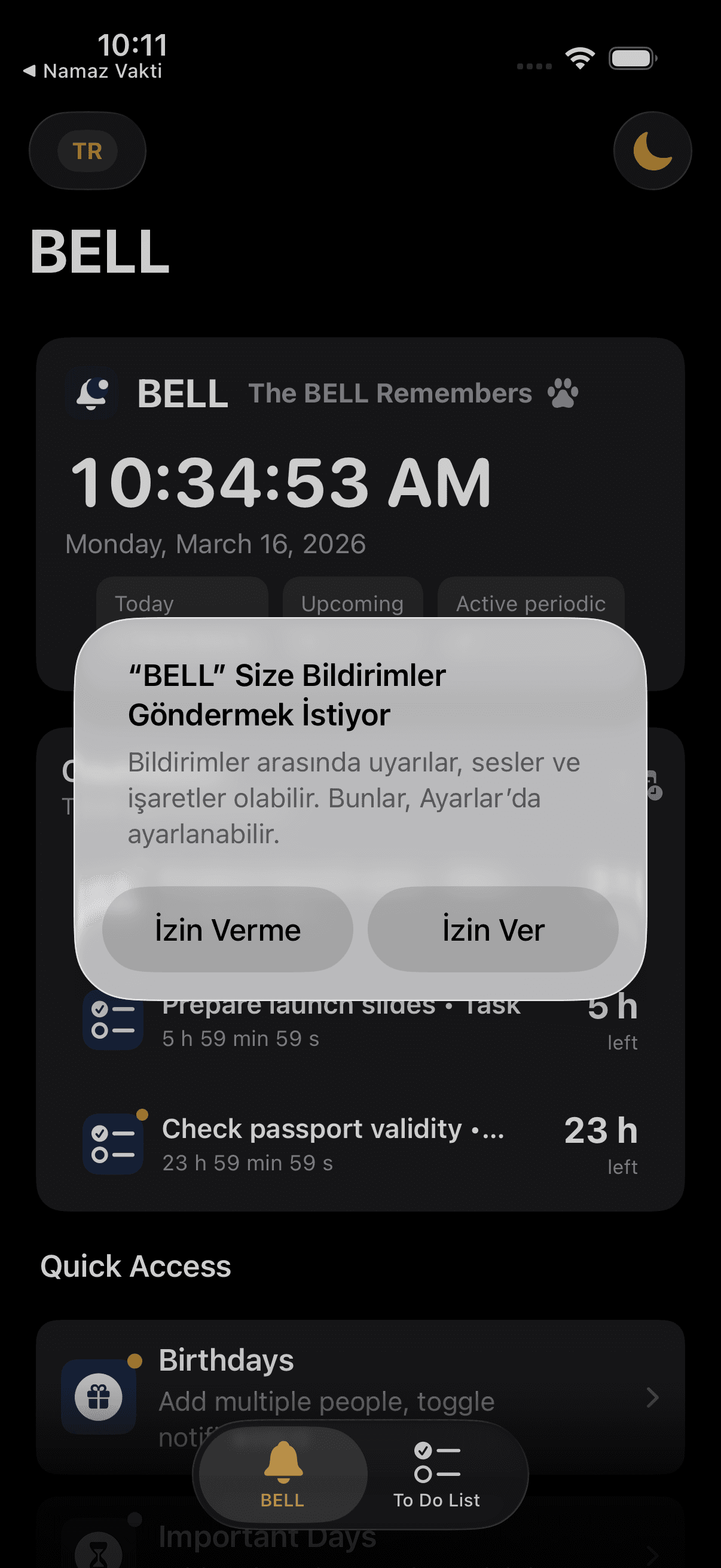
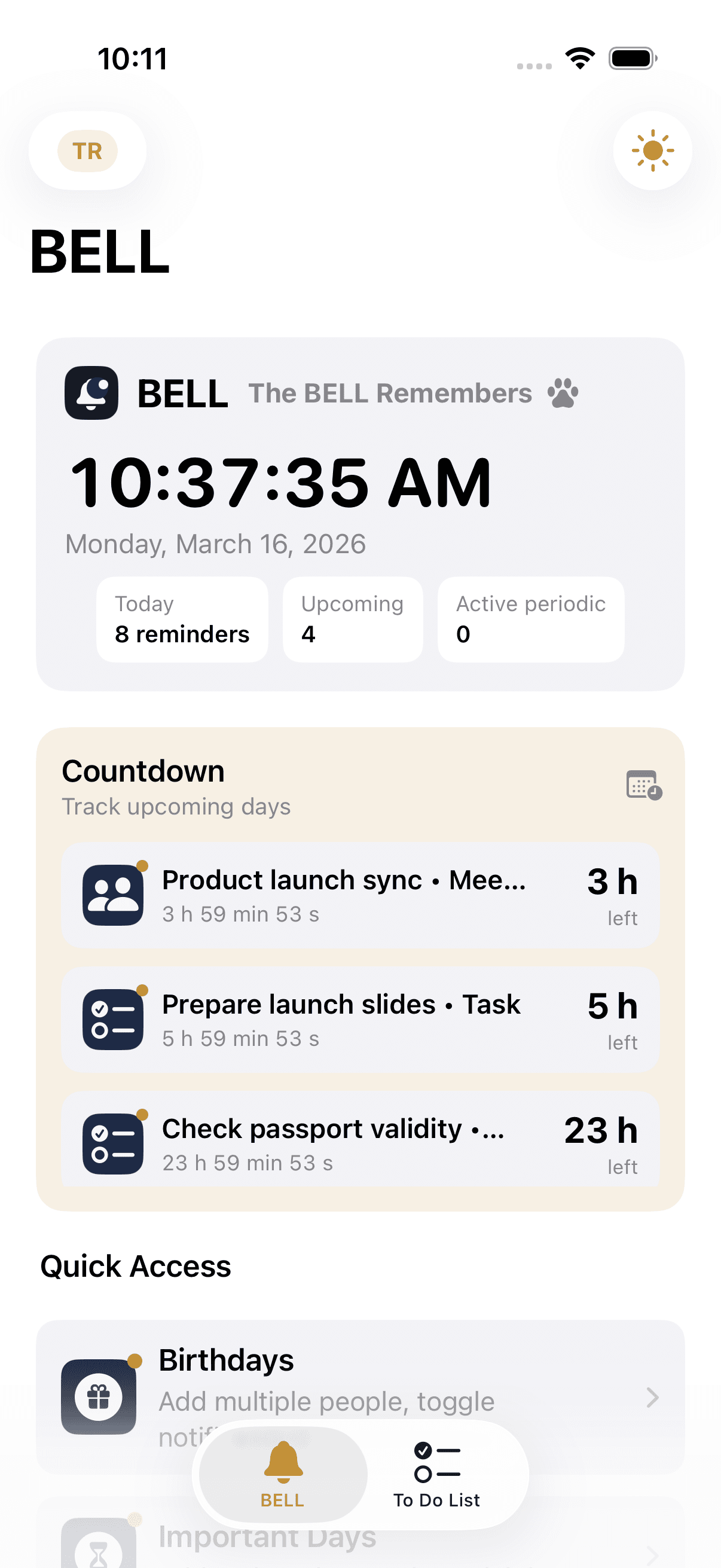
Home screen — dark theme
A live clock, today's reminder count, and time remaining for upcoming events. Everything at a glance.

BELL remembers. You live.

From medication times to birthdays, from water breaks to flight schedules — BELL gathers every type of reminder in one place, and knows to stay silent when you're not ready.
Directly from the BELL app
Looks like a reminder app. Organizes your life.Every category is ready in a few taps. No complex settings screen, no guide needed.
The app is completely free. No one-time or monthly payment — and never will be.
Set quiet hours once. Nothing gets through during that window — medication included.
Switch languages with a single tap. No need to dig into the settings menu.
Every screen below is a simulator screenshot taken directly from BELL. Not a demo — the real product.
The phones in this section are not fake demos. BELL's home panel, birthdays, meeting, travel, medication, and dark theme experience are shown with screenshots taken directly from the iOS app.
A live clock, today's reminder count, and time remaining for upcoming events. Everything at a glance.
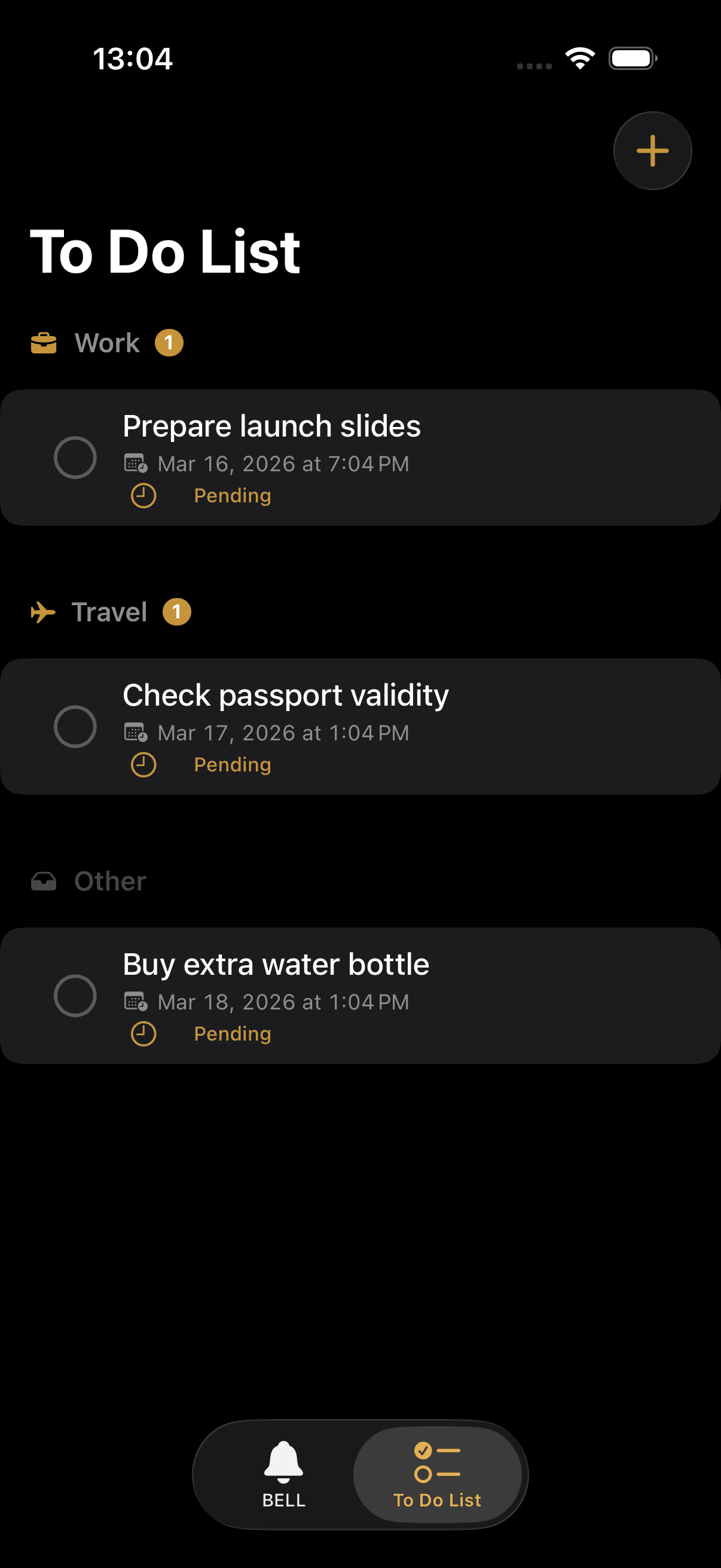
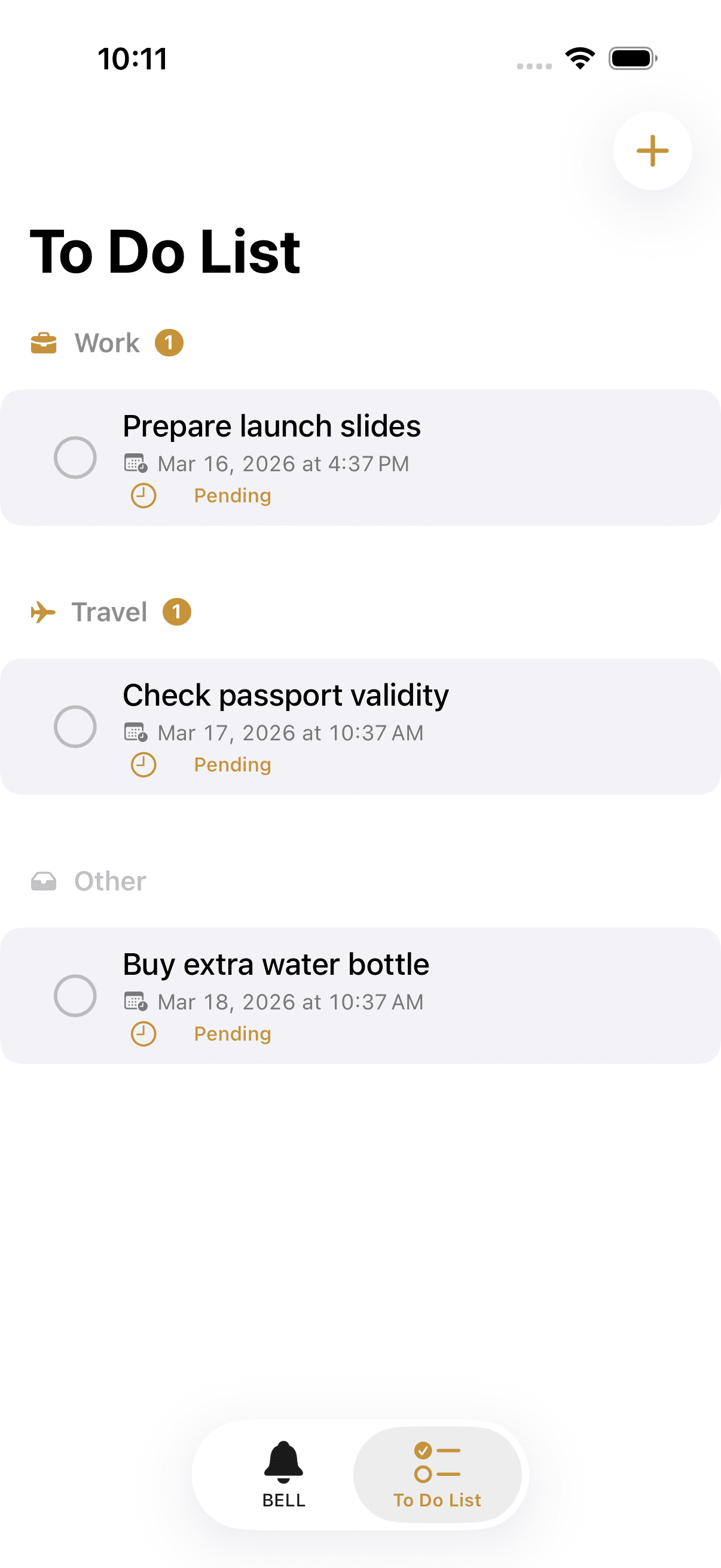
Tasks split into groups, due dates visible, completed items checked off — all on one screen.
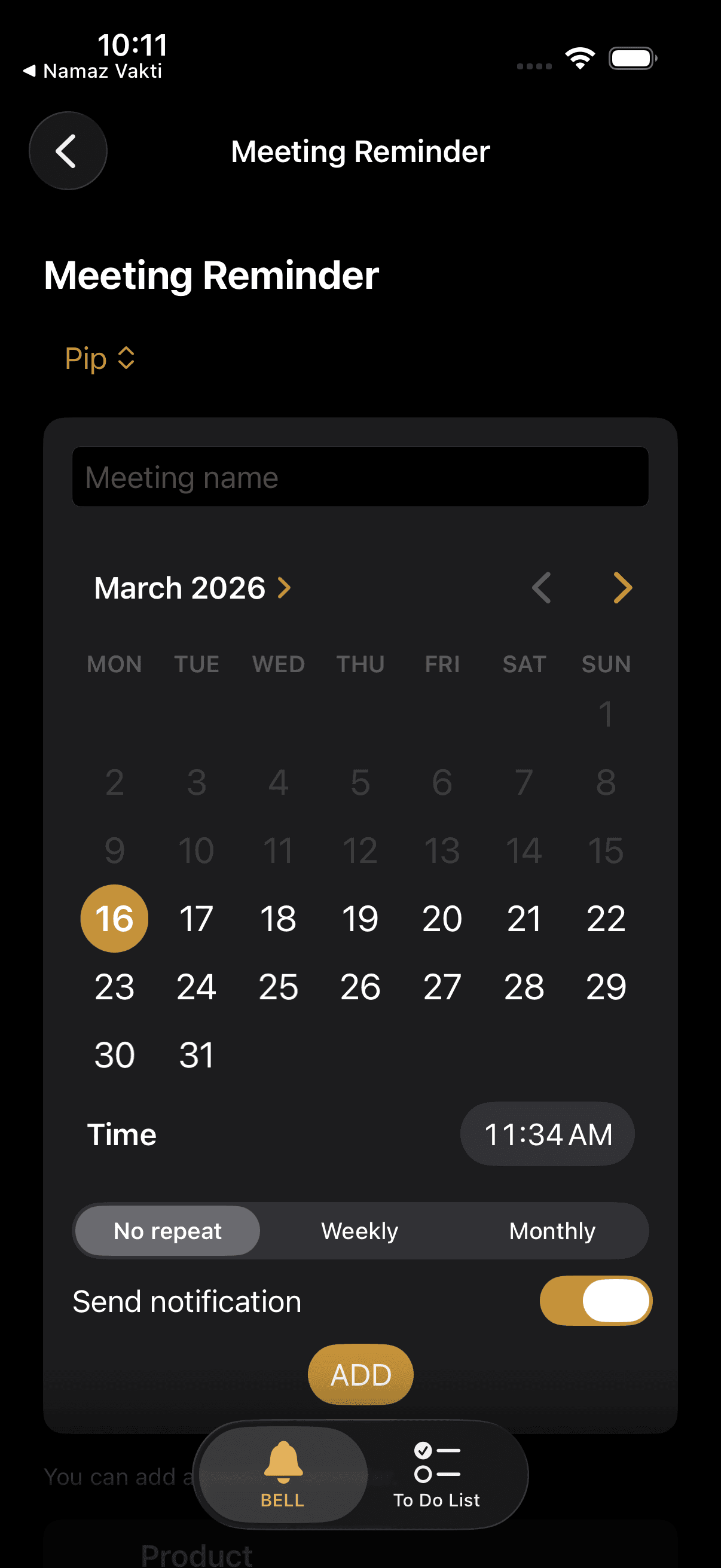
Title, date, time. Saved meetings are listed; notifications can be toggled individually for each one.
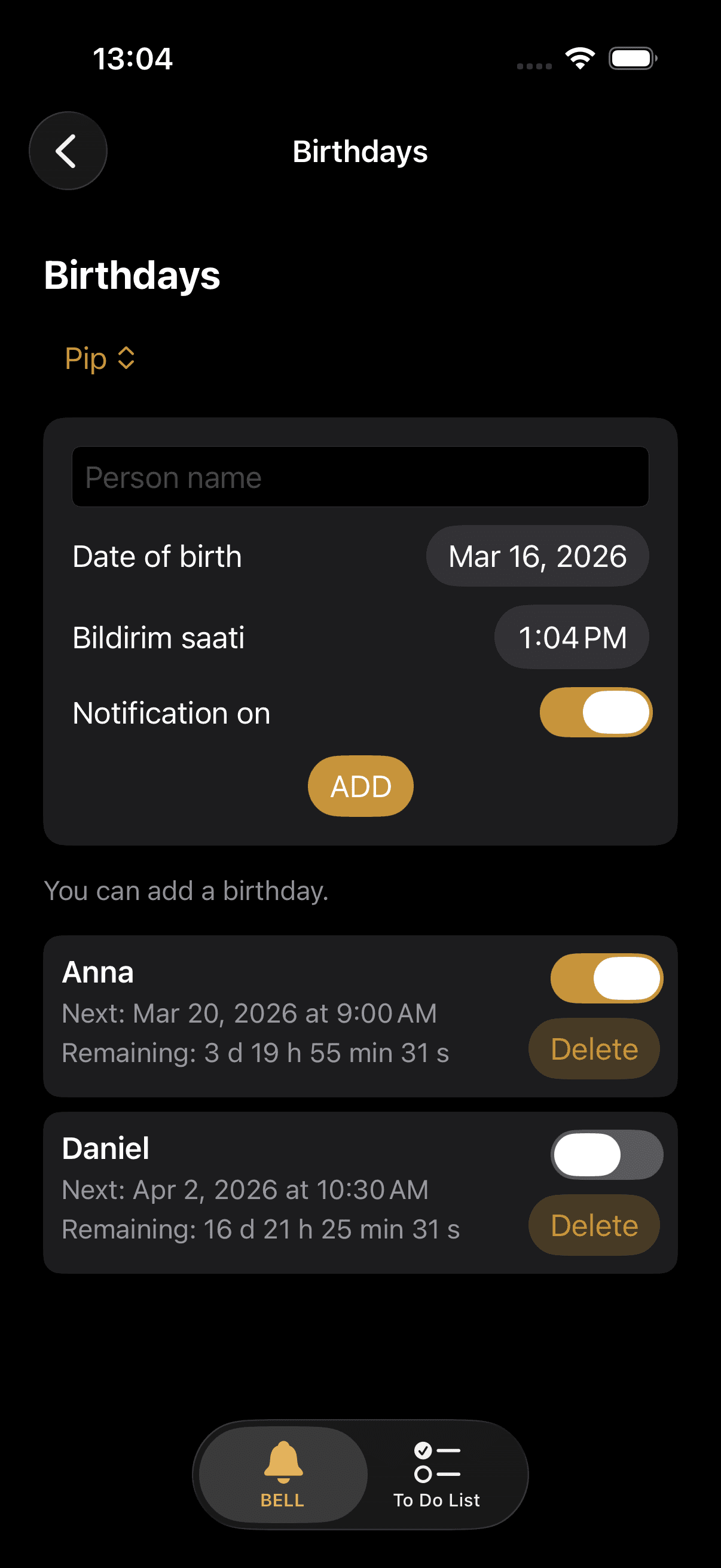
People, their next birthday, and time remaining. Notifications are set independently for each person.
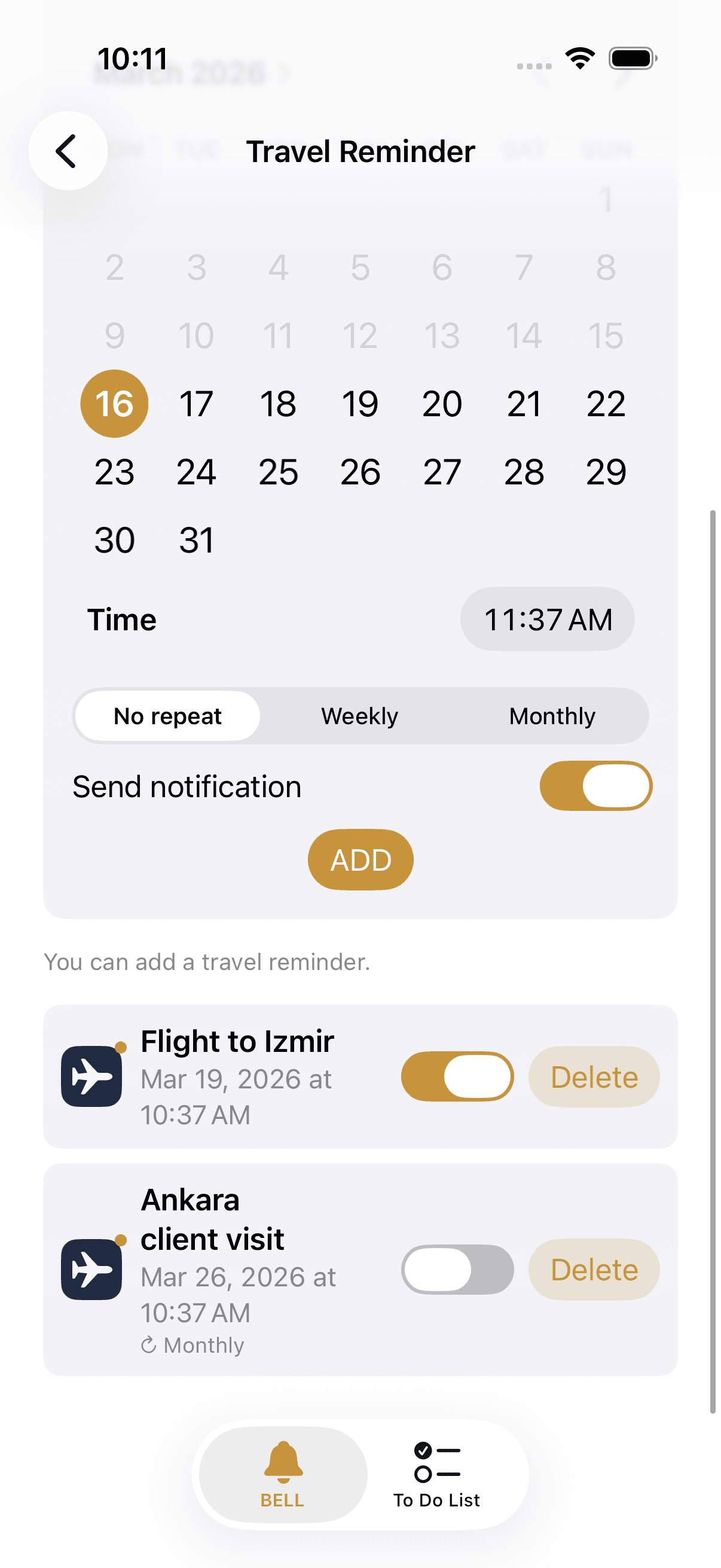
Departure date, time, and title. The reminder arrives right on time so you're never late.
Grouped tasks, due dates, and a completion flow. Works in sync with the main panel.
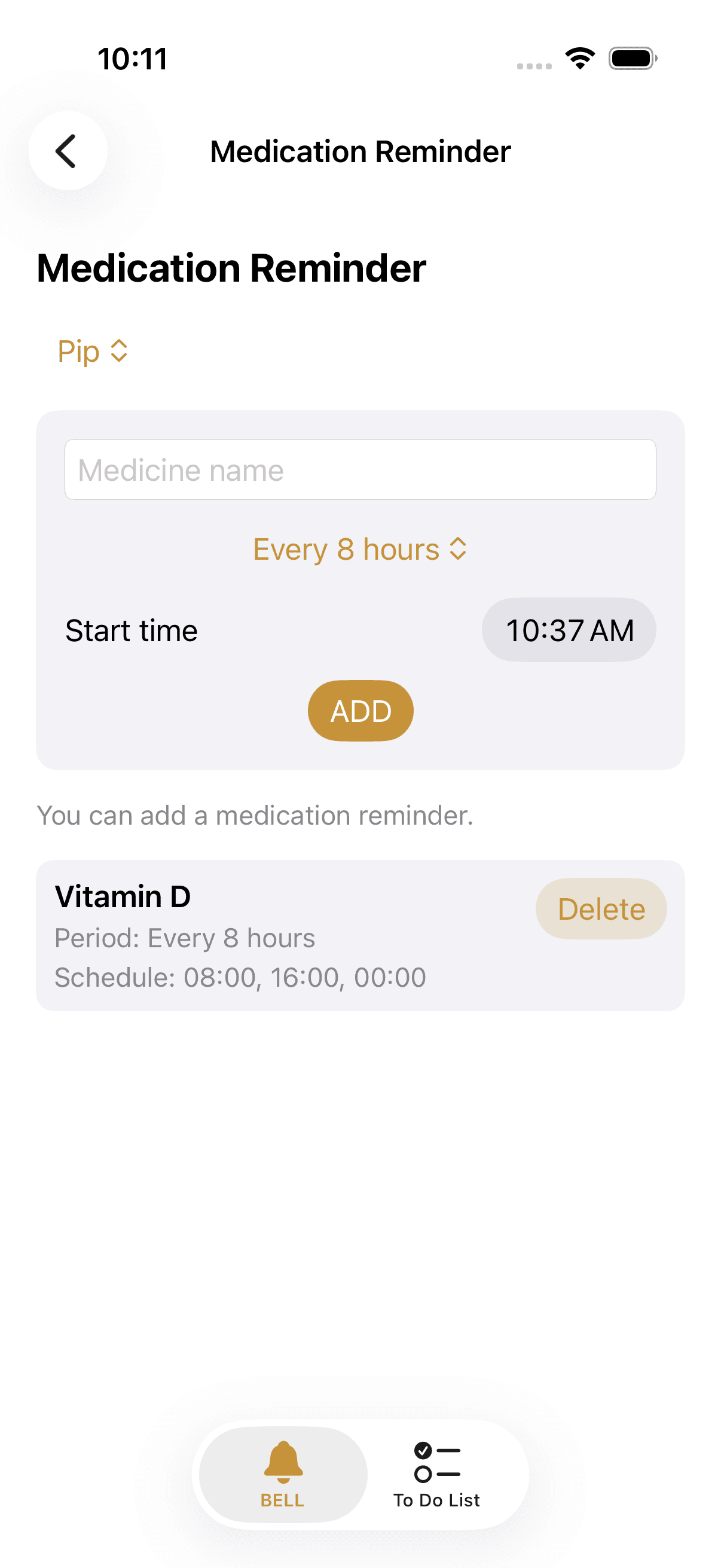
Set the period and time. A notification arrives when it's time; history can be reviewed.
Quick access to all categories and a unified list of upcoming events.
Divide your to-do list into ready-made groups like Shopping, Work, Home, and Travel — or create your own. Assign a due date to each task; overdue items are automatically highlighted. Works seamlessly with the main panel.
Each category lives on its own screen, operates by its own logic. Everything is tracked from a single panel.
Add as many people as you like. Turn notifications on or off independently for each one.
Split tasks into groups, assign due dates, check off completions. Fully integrated with the main panel.
Every 6, 8, or 12 hours — or daily. Set the period once; BELL handles the rest.
Every 1, 3, or 6 hours between 08:00 and 23:00. No notifications during nighttime hours.
For everything that doesn't fit a category but you still don't want to forget. A title, a date, a time — that's all.
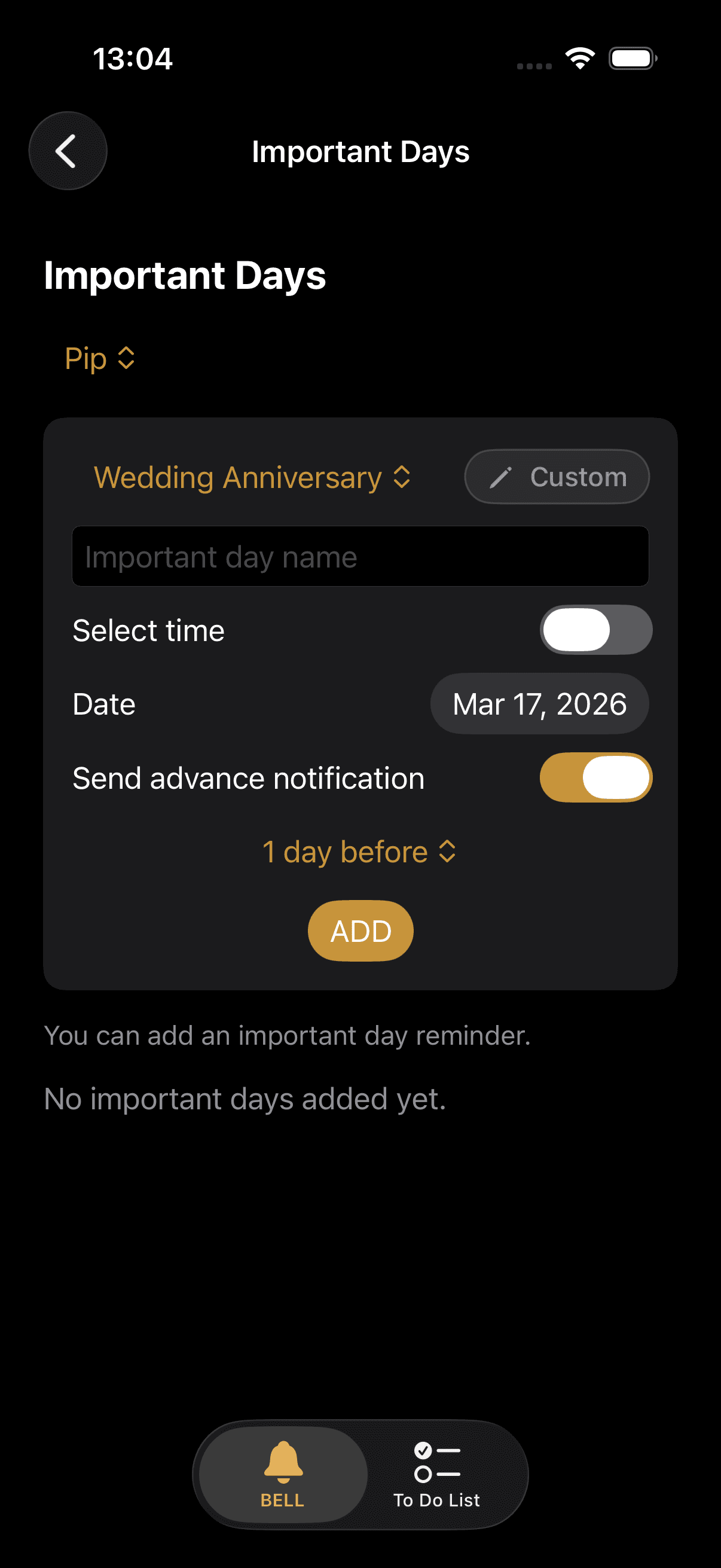
Exams, weddings, insurance renewals — days, hours, and minutes remaining until the target date, tracked in real time.
Pick a date and time, add a title. BELL will be right there when it matters.
Repeating alarms adjustable from 5 minutes to 12 hours. Quiet hours apply here too.
Day and time-based scheduling for fixed routines like every Monday morning or the 15th of every month.
You set the start and end times once. During that window, no category sends a notification — medication included.
20+ ready-made categories. Track annual renewal dates, official payment deadlines, and personal milestones. Days, hours, and minutes remaining until the target date are shown in real time.
One app for medication, another for birthdays, yet another for tasks. A screen full of icons — and the important things still get forgotten.
Water tracking from one app, medication times from another, meetings from the calendar. Managing all these apps ends up taking more time than the actual tasks.
Apps that don't respect quiet hours disturb you at night. If you can't set the interval, the habit never takes root.
A birthday in three days, a meeting this afternoon, medication in two hours — but none of them on the same screen.
Not more alarms — an integrated system. One panel, customizable intervals, and silence that won't wake you in the night.
A live clock on the home screen, today's reminders, and all upcoming events — at a glance, on a single screen.
If you don't want to be disturbed at night, you set it once. BELL won't enter that window; when morning comes, it picks up right where it left off.
One hour for water, eight for medication, five minutes for an alarm. You set each interval — BELL won't change it, break it, or override it.
Medication, birthday, or travel? Each reminder type has its own setup screen.
One-time, daily, or weekly? Does it overlap with quiet hours? You configure everything.
Upcoming events from all categories come together on the home screen. What's coming and when — visible at a glance.
A good reminder doesn't have to make noise.
It just needs to show up on time.For those who can't afford to miss a medication taken every 8 hours. Set the period once — let BELL handle the tracking.
For people who start the morning with good intentions but haven't seen a glass of water by the afternoon. Calm, regular reminders.
Add once, remember for years. The next birthday is always in front of you — no more surprises.
Insurance renewal, passport expiry, exam day — you don't need a separate app or calendar for each of these.
Different meetings every day of the week and the calendar isn't keeping up. BELL keeps everything in one place.
Notebooks, apps, sticky notes — all of it can be reduced to one organized list. With groups, dates, and tracking.
BELL's interface is clean because what is truly powerful doesn't need to show off.
Each reminder type has its own dedicated screen; they don't mix, each is set up and managed independently.
Upcoming events across different categories are listed together on the home screen. With a countdown.
Switch languages with a single tap from within the app. No need to go into the settings menu.
10 different categories: medication, water, birthdays, special days & countdown, meeting, travel, periodic alarm, weekly reminder, monthly reminder, and custom reminder. There is also a separate To-Do tab.
You set the start and end times once. During that window, no category — including medication — sends a notification. Notifications resume from your chosen time each morning.
It tracks days, hours, and minutes remaining until a special date like a holiday, exam, or wedding — in real time. A full-screen countdown view is also available.
No. The water reminder operates between 08:00 and 23:00. No notifications are sent outside these hours.
There are two modes: on a specific day of the month (e.g. the 15th of every month) or by day of week and order (e.g. the second Monday of every month).
Yes. BELL switches between Turkish and English with a single tap from within the app. No need to enter the settings menu.
No. BELL requires no subscription.
From medication to birthdays, from water breaks to travel plans — your entire routine in one app.